
1 · Import
Bring pump data in from Excel, map it, and review what was read before it becomes library data.
MULTI-BRAND PUMP SELECTION SOFTWARE
Import your own pump data, compare pumps across manufacturers, solve real-fluid and variable-speed duties, and create professional engineering outputs in one private workspace.
THE PROBLEM
Manufacturer selectors. PDF curves. Excel spreadsheets. Separate calculators. Product data stored in different places. Each tool works individually. The workflow does not.
THE COMPLETE WORKFLOW
One connected path from the data you already hold to the document that leaves the building.
Bring pump data in from Excel, map it, and review what was read before it becomes library data.
A private, structured catalogue across the manufacturers you work with — curves, trims and speeds together.
Real duty points against your own pumps, in metric or US units, at 50 or 60 Hz.
Summary, chart, hydraulics and variable speed — the engineering behind the answer.
Professional outputs generated from the selection you reviewed.
WHO IT IS FOR
The same workspace, read three ways.
Build your own engineering library and create documented selections you can review and defend.
EngineersManage the pump brands you represent in one consistent selection workflow. Give your applications team one method instead of multiple manufacturer tools.
DistributorsGive your applications team professional selection capabilities without building and maintaining your own software platform.
ManufacturersSMART IMPORT
Upload the Excel workbook your pumps already live in. myFloworx reads its columns, units, values, trims, and curve points, then shows you an import plan and flags anything ambiguous before it enters your library. Replace scattered spreadsheets and manual curve handling with a structured engineering library.

YOUR LIBRARY
Not a published catalogue — your own workspace, holding the pump records your organisation is authorised to use. Curves, impeller trims, connections and speed data live with the pump. Your workspace contains only the pump data your organization chooses to use. Nothing is published or shared across customers.
SELECTION
Enter the duty, run it against your own library, and read the engineering before you commit.
Flow, head, static head and NPSHa — metric or US, 50 or 60 Hz, against your system curve.
The calculated pump/system intersection on the curve that applies. See exactly where your pump operates before you recommend it.
BEP, operating region, efficiency, absorbed power, NPSHr, rated diameter, speed and motor basis.

INTELLIGENCE
myFloworx Intelligence is the review workspace beside every selected candidate: Summary shows the resolved result, Chart shows its curve position, Hydraulics shows the operating and fluid basis, and Variable Speed shows the solved speed family. It turns a number you accept into a recommendation you can inspect and defend. Turn a calculated result into an engineering recommendation you can explain to a customer or colleague.
REAL FLUIDS
Water, light oil and inhibited glycol mixtures, at the concentration and temperature you are actually running — corrected point by point, with the properties used and where each came from.

VARIABLE SPEED
Each additional duty is solved for the speed it requires — as a percentage of the published curve speed, as an equivalent frequency, and corrected at that speed. Understand the speed required for the duty instead of manually estimating adjustments.
PROFESSIONAL OUTPUT
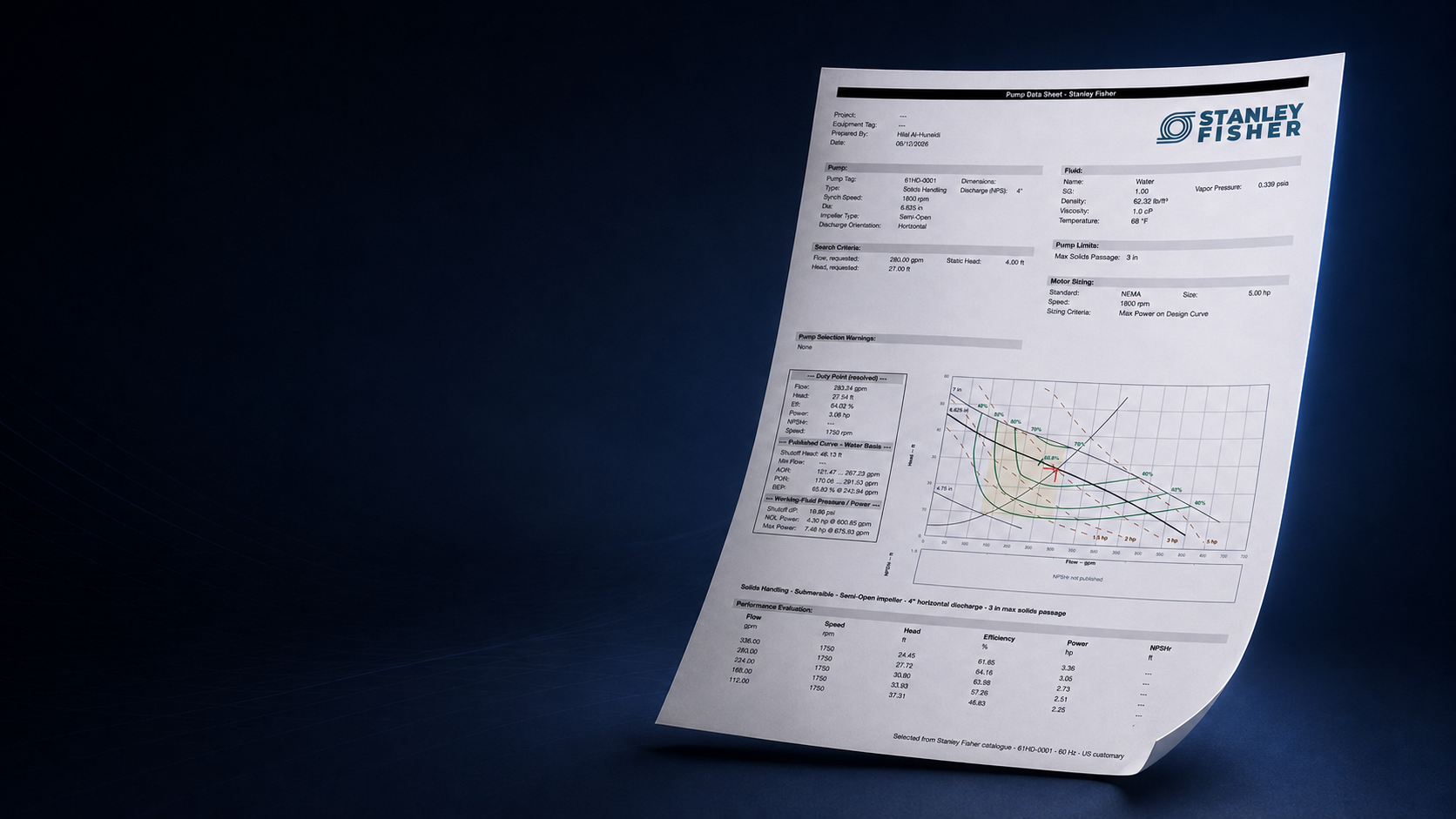
Generated from the selection you reviewed, carrying your organisation’s name. The final document is generated from the selection you reviewed, not from a separate manual process.
The duty, the selected pump, the resolved operating point and the basis it was solved on.
The curve and the duty exactly as they were reviewed.
The solved speed family and its operating conditions, where one was solved.
SEE THE BASIS, NOT JUST THE ANSWER
Source data and calculated performance remain clearly identified, so a recommendation can be reviewed rather than taken on faith.
Your curve data is used as published, and it stays visible as the basis of every result.
A viscous duty is solved on a corrected curve, and the published curve it came from is named alongside it.
Where a manufacturer never published NPSHr, the result reads n/a rather than a number you would have to catch.
A duty outside a curve’s domain is reported as such, so a result never travels further than the data behind it.
Start here
Free
Start engineering with your own private three-pump library.
Individual
The complete professional workspace for one engineer.
Team
One shared engineering workspace — 3 seats included.
$69/month per additional seat as the team grows
Upload your Excel workbook, map the columns, and review what was read before it becomes library data. You can also create records by hand.
Records are scoped to your workspace and the roles you authorise. No public catalogue, no cross-customer visibility.
Both, inside the selection rather than in a separate calculator.
Manufacturer selectors are designed around one brand. myFloworx lets you work with the pump data your organization uses across multiple brands.
Yes. It is designed for companies representing multiple manufacturers and needing a consistent selection workflow.
No. Each workspace is private and controlled by the organization using it.
The Free plan is the real engineering product: your own private pump library, real duty points, real fluids, variable-speed analysis and the resolved operating point. No card and no sales call — start engineering right away.